GAME-SPECIFIC
Stop optimizing “Windows.”
Optimize what you play.
Purpose-built profiles keep the goal, the game, and the selected tier visible at every step.
Explore plans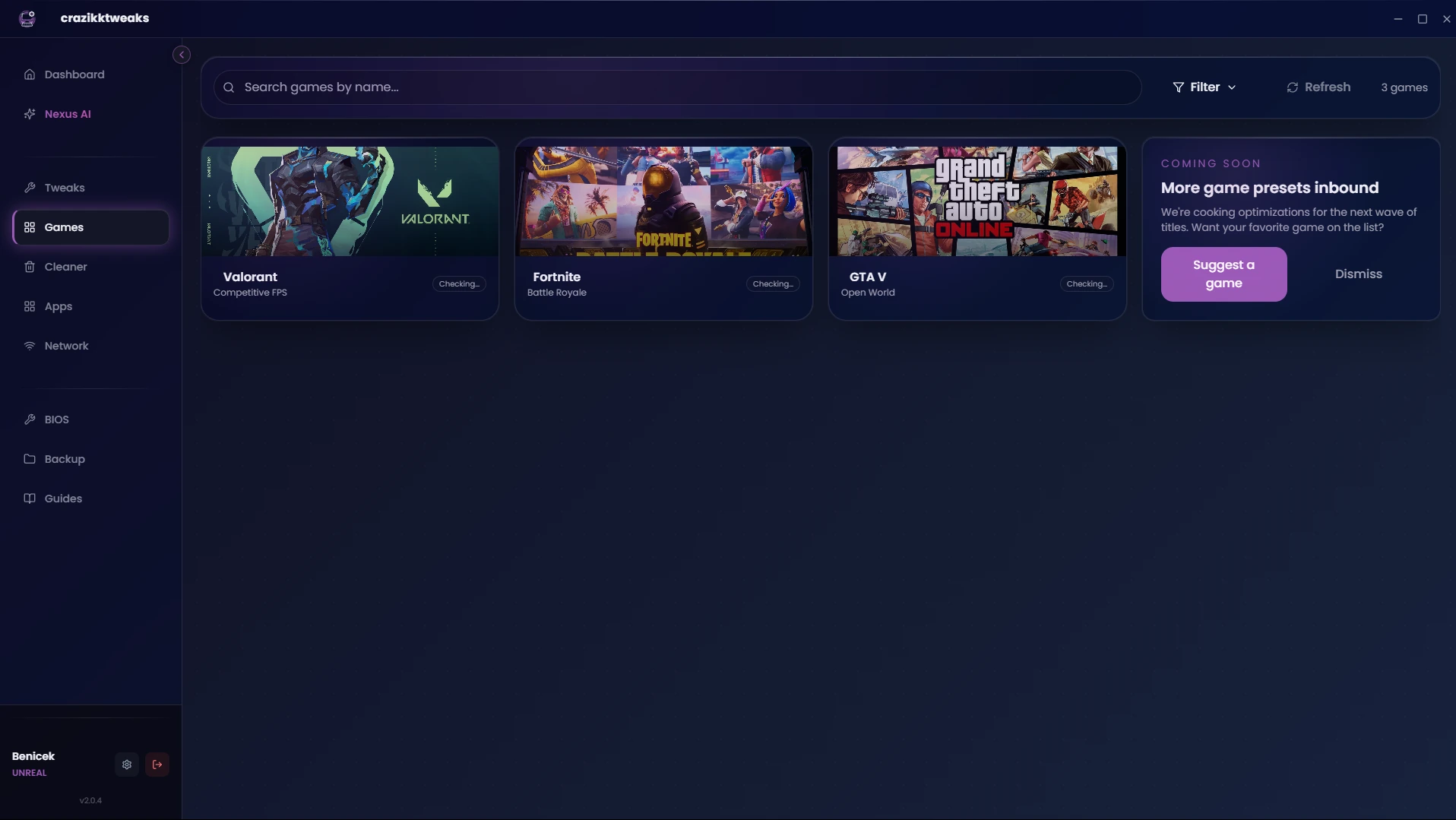
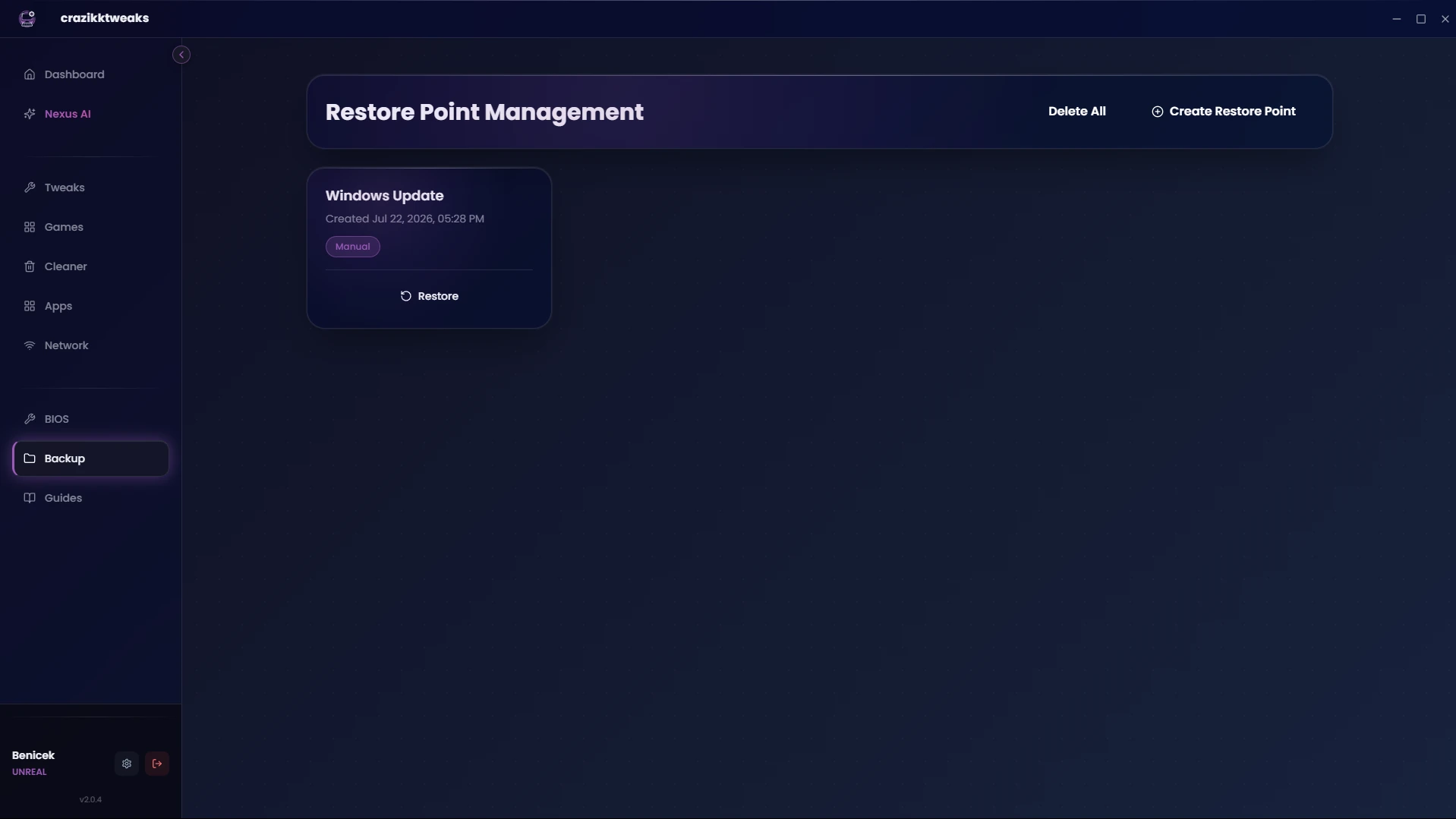
Clean Windows, reduce input delay, and tune your games from one control center that shows you what changes — and keeps a way back.
THE PROBLEM
ONE APP. THE FULL WORKFLOW.
From the first scan to the final tweak, every tool stays in context. You decide what happens next.
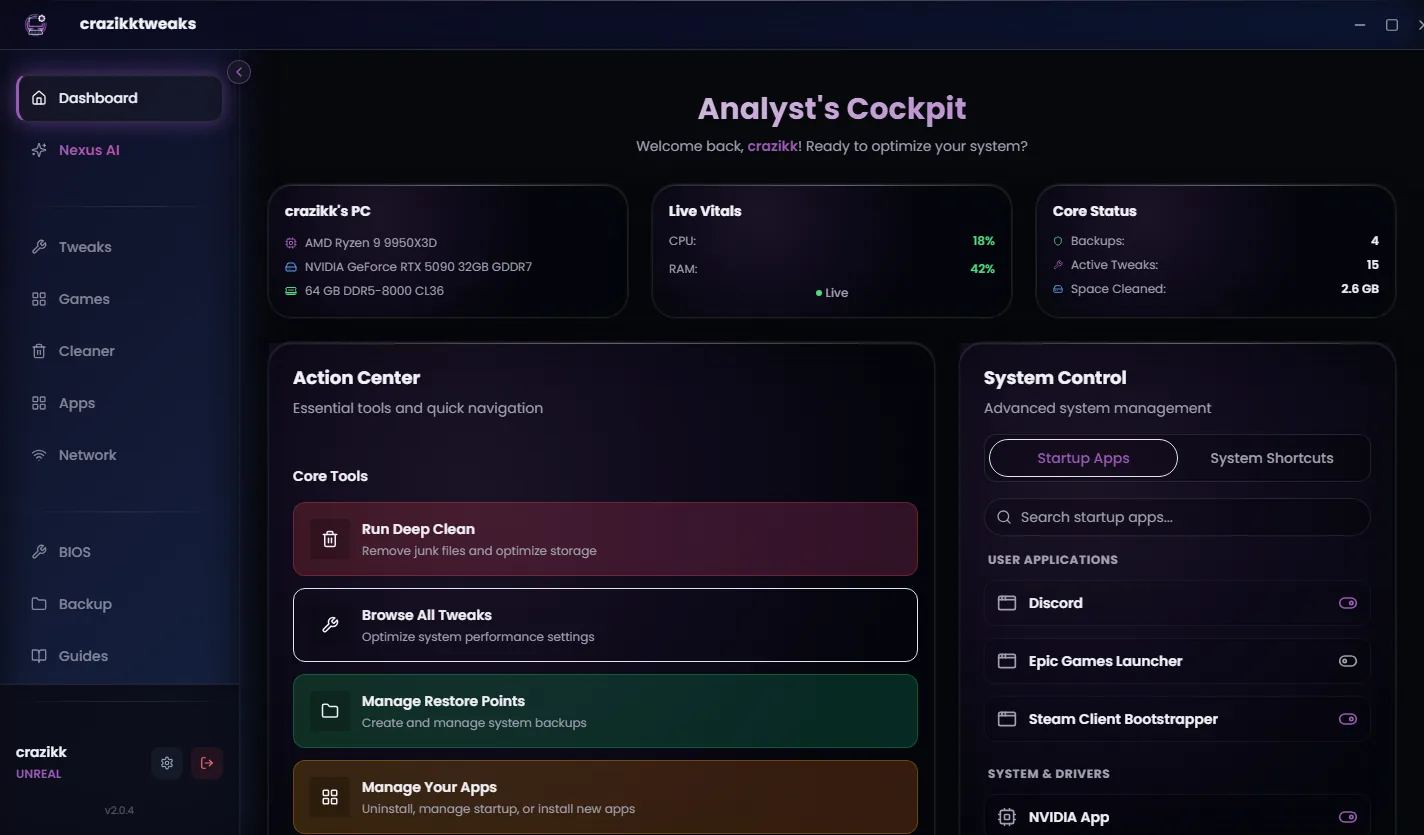
YOUR PC, AT A GLANCE
See hardware, live vitals, restore coverage, startup apps, and recommended next steps in one calm dashboard.
GAME-SPECIFIC
Purpose-built profiles keep the goal, the game, and the selected tier visible at every step.
Explore plans
CLEANER
Scan browsers, apps, games, and Windows without losing sight of what will be removed.
NEXUS AI
Get contextual help for bottlenecks, privacy, gaming, and recommended tweaks without searching ten forums.
HOW IT WORKS
No mystery batch file. No pile of unexplained checkboxes. Just a guided flow you can follow.
Understand hardware, Windows state, cleanup opportunities, and the tools available to you.
See what each action changes and choose only the optimizations that fit your goal.
Keep restore context close, make the change, and get back to the game with confidence.
MEASURE BEFORE SWITCHING
Benchmark first. Compare latency. Switch only when the result makes sense for your connection.
Benchmark-driven decisions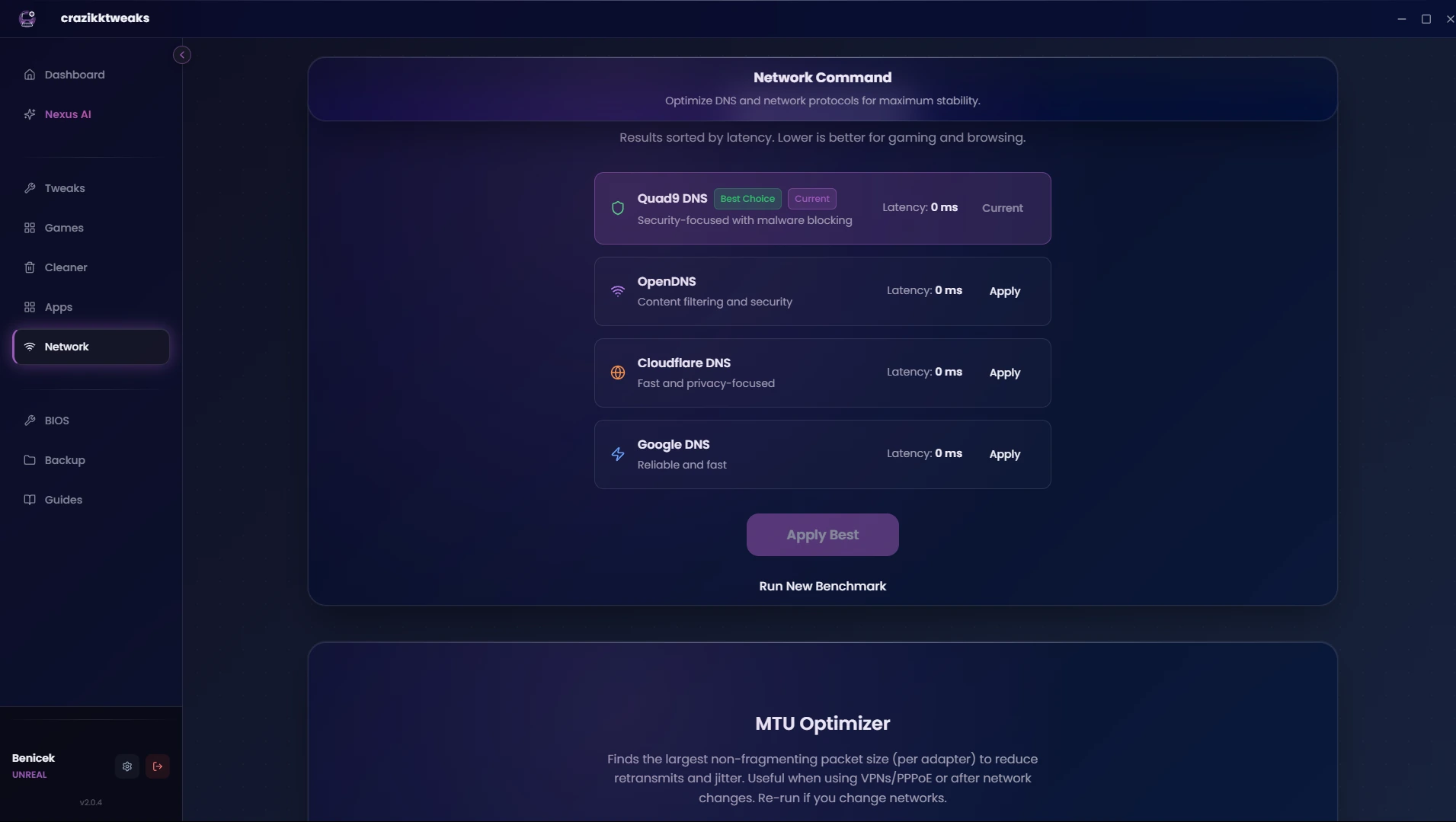
SEE IT IN ACTION
Take a quick tour of the control center, performance workflow, and the tools that put every decision in context.
Watch on YouTubePLANS
One-time upgrades. No recurring subscription. Your setup, your level of control.
Meet the control center and start understanding your setup.
A focused boost for smoother daily play and a cleaner Windows setup.
The complete performance workflow for competitive and power users.
The complete advanced toolkit for experienced users who accept strict Windows compatibility trade-offs.
Not sure which fits? Start free and explore the app first. Read the FAQ ↗
FROM REAL SETUPS
Excerpts from verified product reviews. Individual results vary and performance claims are not independently verified.
FIVEM PERFORMANCE STARTS WITH THE PC
Background apps, Windows load, memory pressure, storage and local latency all compete with the client. Open the dedicated FiveM path, scan free and see which optimization level fits your setup.
FREE PERFORMANCE GUIDES
Use evidence-led guides to isolate the problem before you touch Windows. Each guide includes a repeatable test, source notes and a safe order of operations.
Browse the Performance LibrarySeparate frametime spikes from low average FPS.
↗ 02 · INPUT DELAYTrace the local input and render path first.
↗ 03 · 1% LOWSMeasure consistency instead of one headline number.
↗ 04 · WINDOWS 11Build a supported baseline with a way back.
↗COMMON QUESTIONS
Still deciding? The full FAQ covers licenses, compatibility, downloads, and support.
Open all questionsYes. Download the app and begin with the free experience. Paid tiers unlock deeper optimization workflows and additional tools.
The experience is designed around review-first actions. You can understand the scope and choose what to apply.
Recovery context and restore points are built into the workflow so a way back stays visible before deeper tuning.
No. Premium, Ultimate, and Unreal are one-time purchases — pay once, keep your license, and use the included tools without a monthly fee.
Windows 11 x64 is the supported path. Windows 10 is legacy/best effort because Microsoft ended general support in October 2025. See the Compatibility page for details.
YOUR PC. YOUR CALL.
Start free, see your setup clearly, and decide what deserves to change.