Windows optimization is useful when it removes a measured bottleneck or prevents avoidable background interference. It becomes risky when dozens of undocumented changes are stacked, security is disabled, and no original state or before/after capture exists.
01 · BASELINE
Do the boring checks that solve real problems.
Supported Windows 11 build, current game, launcher and a stable GPU driver.
Correct resolution and refresh rate; intended GPU assigned on hybrid systems.
Free storage, no memory pressure, healthy temperatures and sustained clocks.
Review startup apps, overlays, capture tools, browsers and active downloads.
A restore point is not a backup of personal files, but it is useful recovery context for supported system changes. Record the original values as well.
02 · FEATURES
Treat Windows gaming switches as testable options.
| Feature | Reasonable starting point | What to verify |
|---|---|---|
| Game Mode | Generally leave enabled, then test | Background contention and consistency in the target game |
| Optimizations for windowed games | Relevant to compatible DX10/DX11 windowed or borderless games | Microsoft says it moves supported games to flip model and can reduce frame latency |
| Hardware-accelerated GPU scheduling | Test on/off per driver and game | Frametime and stability; measurement tools may report some GPU metrics differently |
| Power mode | Use an appropriate plugged-in performance state | Temperature, clock stability, fan noise and laptop battery/heat |
Auto HDR is primarily an image feature, not a universal FPS switch. Variable refresh rate, V-Sync and presentation modes also have visual and latency trade-offs. Keep the outcome you can reproduce, not the setting with the strongest name.
03 · SECURITY
Do not call weakened security a free optimization.
Avoid blanket scripts that disable Microsoft Defender, updates, firewall, Secure Boot, TPM, virtualization-based protections or anti-cheat dependencies. Some games require these controls, and the security trade-off is real even when a benchmark changes.
Riot requires TPM 2.0 on Windows 11 and warns that incorrect BIOS/UEFI changes can prevent the PC from starting. A performance workflow should preserve those requirements, not bypass them.
If a security feature is suspected of causing a specific compatibility problem, follow the game, Windows and hardware-vendor documentation, isolate the behavior, and understand the risk before changing it.
04 · PROTOCOL
A Windows change earns its place through repeatable data.
- Capture before
Same scene, warm-up, three runs, average/1% low/frametime plus resource data.
- Apply one documented action
Know the exact scope, restart requirement and original state.
- Capture after
Same scene and run order. Record stability, temperatures and side effects, not only FPS.
- Keep or revert
Keep a change only when the effect is repeatable and the trade-off is acceptable.
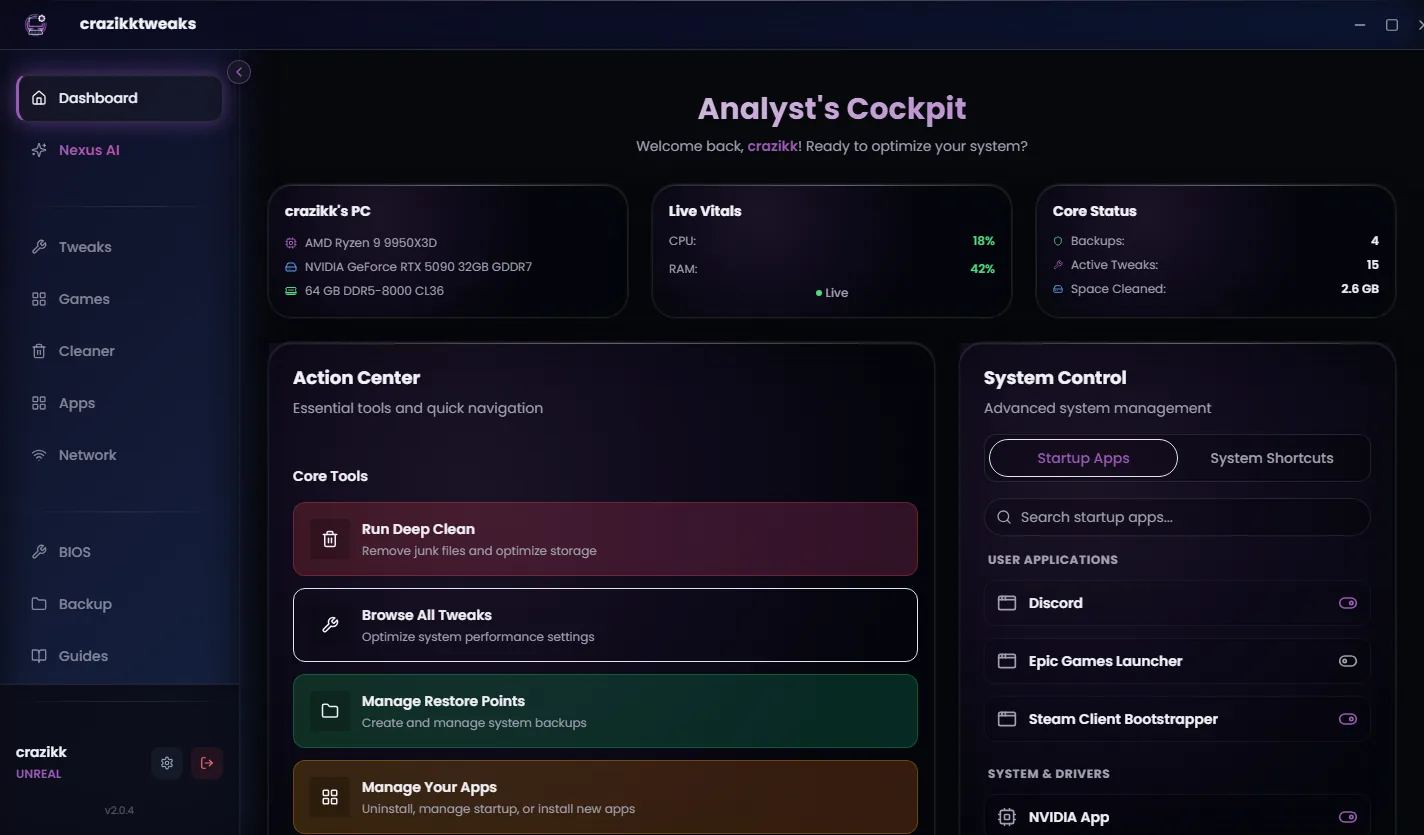
crazikktweaks packages this review/apply/recovery workflow around supported actions. It does not turn every Windows setting into a guaranteed performance gain.
Reviewed 24 August 2026
Sources and review notes
Primary sources were checked on 24 August 2026. Product interfaces and platform requirements can change; follow the linked owner documentation for the newest instructions.