System latency is the time from an input reaching the PC to a visible response. Network latency affects when the server sees an action, but it is measured on a different path. Improving one does not prove the other improved.
01 · THE CHAIN
Identify which queue you are actually waiting for.
Polling, wireless interference, firmware and USB behavior affect when the PC receives the input.
The game samples input and simulates a frame. CPU stalls or a low frame rate increase the wait.
A saturated render queue can add delay between simulation and completed pixels.
Refresh rate, scanout, V-Sync/VRR choices and panel response affect when the result appears.
NVIDIA describes Reflex as a game-integrated method that synchronizes CPU and GPU rendering to reduce the render queue. That is different from forcing unrelated driver or registry settings for a game without integration.
02 · MEASURE
Turn 'feels faster' into a repeatable comparison.
- Use the same scene and FPS cap
A different GPU load changes the render queue. Keep resolution, settings and scene constant.
- Log frame behavior
PresentMon can capture frame durations and supported latency metrics; game-native latency stats are also useful.
- Repeat input samples
For rigorous click-to-photon tests, use supported latency hardware or a high-speed camera and many samples—not one click.
- Keep network separate
Record ping and packet loss, but do not add them to a local input number as if they were the same metric.
An uncapped GPU at 99% may maximize throughput while increasing the render queue. A sustainable cap, in-game low-latency technology or slightly lower GPU load can feel better even when the FPS counter is lower.
03 · SAFE ORDER
Change the closest supported control first.
| Area | Test | Trade-off to record |
|---|---|---|
| Refresh rate | Verify the intended rate in Windows and the game | Higher rate needs sustainable frame delivery |
| In-game Reflex / low-latency option | On vs off in the same GPU-heavy scene | Support and behavior vary by game/GPU |
| FPS cap | Cap below the rate the PC can hold in the target scene | Throughput vs queue depth and consistency |
| V-Sync / VRR / presentation mode | Compare tearing, latency and smoothness | There is no universal best visual/latency balance |
Also verify that the device is stable at its configured polling rate and connected as intended. Higher is not automatically better if it creates CPU overhead or intermittent behavior on a particular system.
04 · PRODUCT SCOPE
A latency label is not proof of a faster click.
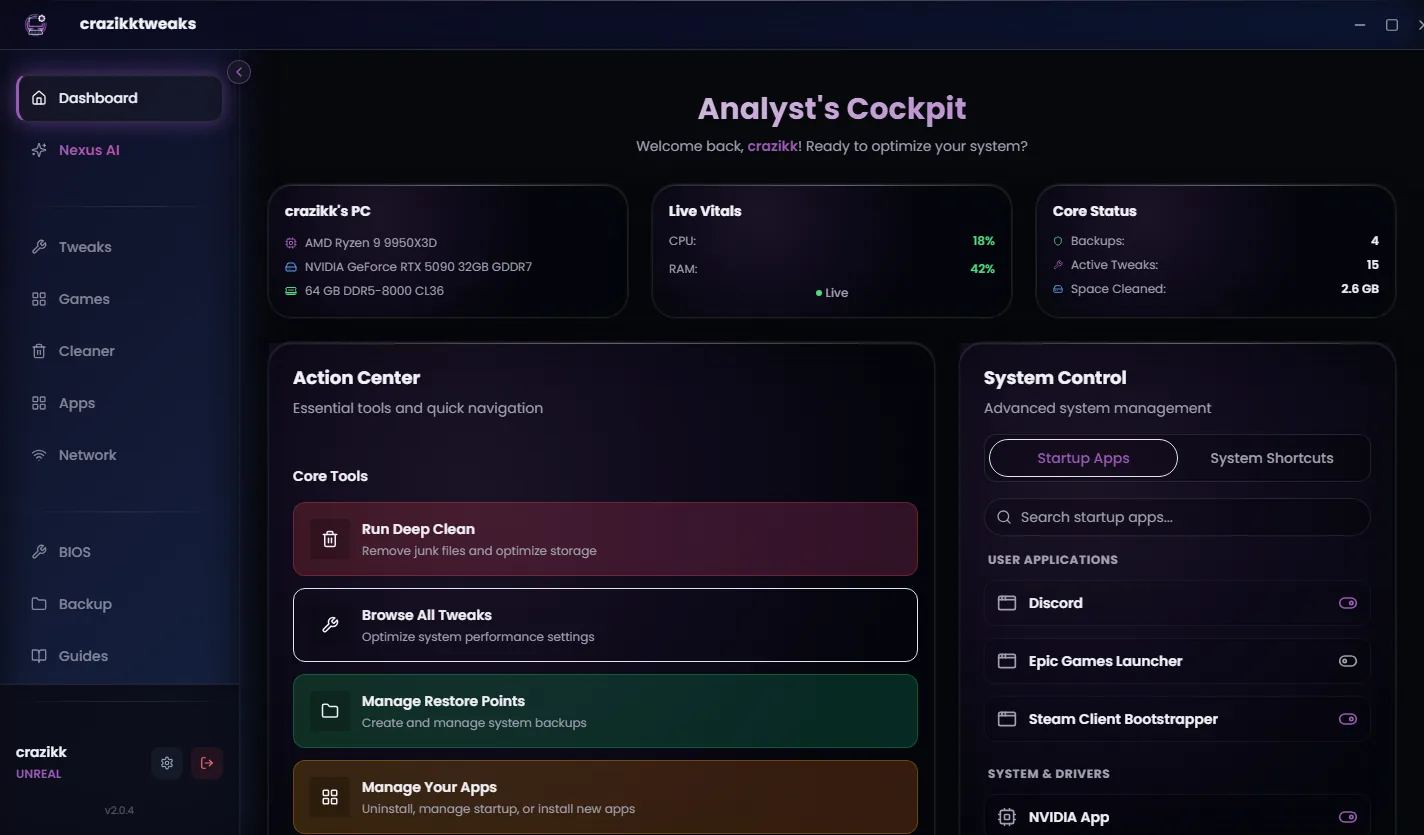
crazikktweaks exposes supported system and game-profile actions with explanations and recovery context. It cannot claim a specific millisecond improvement without a controlled measurement on the target PC. Treat any action as a hypothesis, not a guarantee.
Confirm the real refresh rate, enable the game's own performance/latency stats, set a sustainable frame cap and compare one controlled scene before changing Windows.
Reviewed 24 August 2026
Sources and review notes
Primary sources were checked on 24 August 2026. Product interfaces and platform requirements can change; follow the linked owner documentation for the newest instructions.