A 1% low is not simply the single worst frame. In common reporting it represents the slowest one percent of frame delivery, often expressed as an FPS-equivalent percentile. Tools can calculate and label it differently, so publish the tool and method with the result.
01 · MEANING
Use percentiles to see consistency, not as a magic score.
The example values above only show the mathematical relation between FPS and frame time; they are not a product benchmark. Convert with 1000 ÷ frame time in milliseconds. A few long frames can be felt even when the average remains high.
One overlay may average the lowest one-percent bucket; another may convert a 99th-percentile frametime. Use the same version and export raw per-frame data when the comparison matters.
02 · PROTOCOL
A small, honest 1% low test.
- Choose a representative scene
Use the same route, match segment or built-in benchmark. Avoid a menu or empty practice scene if the problem happens in combat.
- Warm the workload
Run once before capture so shaders and assets are in a comparable state.
- Capture raw frames
Record 60–120 seconds with PresentMon or an equivalent tool and save the CSV plus system context.
- Run at least three times
Report every run and use the median. Do not discard a bad run unless a documented external event invalidated it.
- Change one variable
Keep game build, driver, Windows build, graphics, cap and background workload fixed.
03 · DIAGNOSE
Match the weak percentile to the resource spike.
| Alongside low 1% | Likely direction | Next controlled test |
|---|---|---|
| GPU at full utilization | GPU-bound scenes or queue saturation | Reduce one GPU-heavy setting or test a sustainable cap |
| One CPU thread spikes | Simulation, draw calls or background CPU work | Close competing work and repeat the same CPU-heavy scene |
| Disk activity / memory pressure | Asset streaming or paging | Check free space, RAM use and storage latency |
| Ping/loss spikes but frametime is stable | Network issue | Do not label it a 1% low fix |
Improving average FPS while making the slow tail worse is not automatically a win. Report both and decide which matters for the actual play style and display.
04 · PRODUCT SCOPE
Why we will not publish invented 1% low gains.
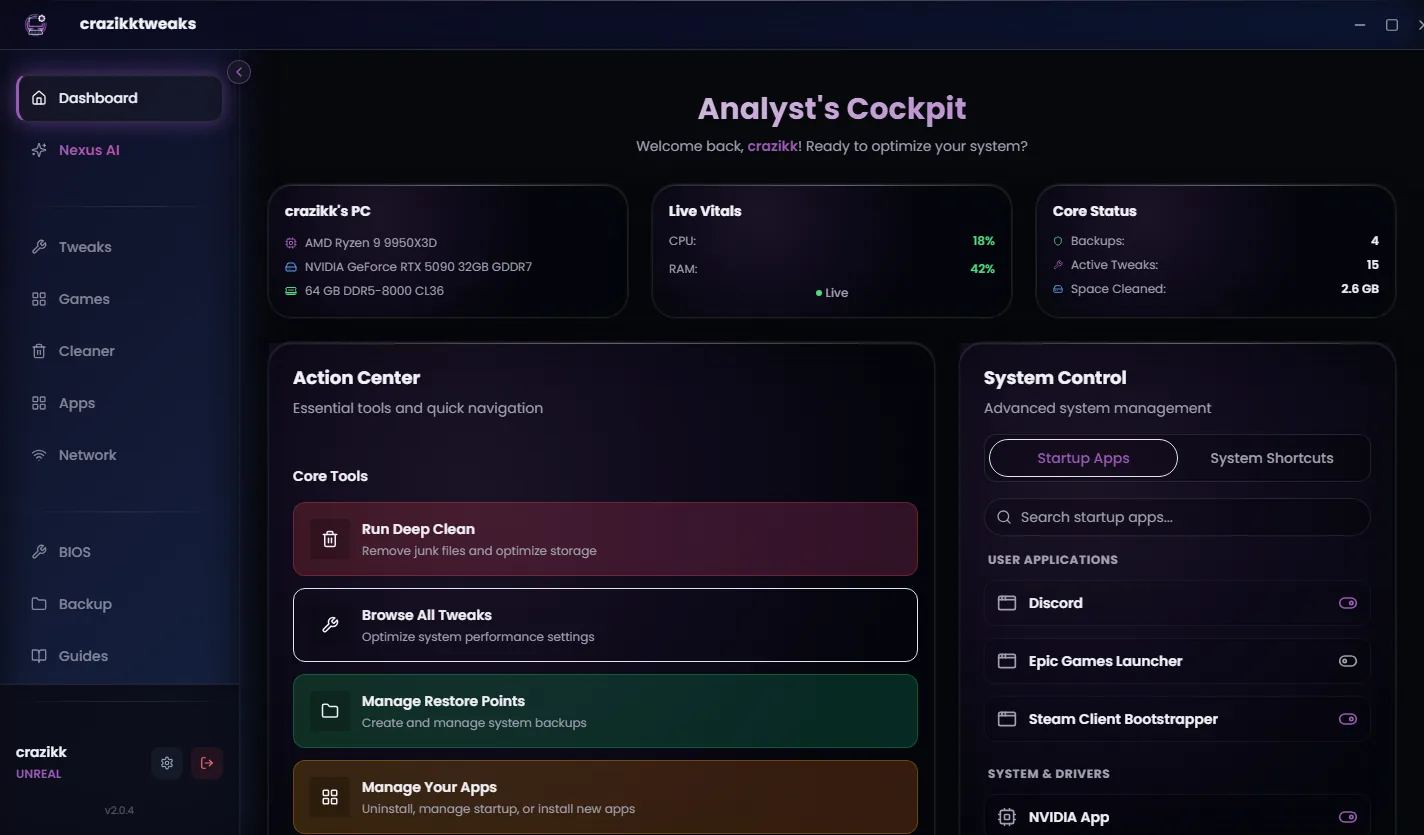
crazikktweaks can provide a controlled place to review and reverse supported settings. Until a named PC, build, scene and raw capture exist, a percentage improvement would be speculation. This page therefore teaches the method instead of assigning a universal result to a plan.
A screenshot is useful for communication; the CSV is useful for verification. Keep both with the game build, Windows build and applied-change list.
Reviewed 24 August 2026
Sources and review notes
Primary sources were checked on 24 August 2026. Product interfaces and platform requirements can change; follow the linked owner documentation for the newest instructions.