Input that feels late is not automatically network lag, and a high ping is not the same as mouse-to-photon latency. VALORANT's own instability indicators and Video → Stats panels are the quickest safe starting point.
01 · READ THE SIGNAL
Let VALORANT tell you which side is failing.
| Signal | What it means | First action |
|---|---|---|
| Low Client FPS | Your PC is not producing frames consistently | Close competing apps, then identify CPU- or GPU-bound behavior |
| High Average Ping | Round-trip network time is elevated | Check region, wired connection and other network activity |
| Network Problem / packet loss | Packets are late or missing | Enable packet-loss graphs and isolate Wi-Fi/router/ISP |
| Low Server FPS | The server simulation is degraded | Do not rewrite Windows; the server side must recover |
Riot explicitly recommends using the built-in performance graphs to determine whether the client is CPU- or GPU-bound. Lowering visual settings can help a GPU limit, but it will not fix packet loss or a server-side warning.
02 · VANGUARD BOUNDARY
Do not trade required security for an FPS myth.
Riot states that TPM 2.0 is required on Windows 11 and may be required on some Windows 10 configurations. Firmware changes can make a PC unbootable when done incorrectly. Do not disable or bypass these controls for a performance preset.
VALORANT executables, Vanguard files, anti-cheat services or protected game memory.
That any Windows optimizer can guarantee a ban outcome. Only Riot controls enforcement.
Supported Windows settings, visible background load, power behavior and user-selected graphics options.
Record the original state and restore supported changes if performance or stability gets worse.
03 · INPUT CHAIN
Optimize the whole local chain, not just ping.
- Stabilize frame delivery
A wildly fluctuating frame rate changes when input reaches a displayed frame. Choose a cap your PC can hold in the real match scenario.
- Use game-native latency options
If your supported GPU exposes NVIDIA Reflex or another integrated option, test it in-game. Game integration is different from a random registry tweak.
- Confirm display state
Verify Windows is actually using the intended refresh rate. Compare fullscreen/borderless and V-Sync/VRR choices with a controlled test.
- Measure separately
Track local frame/latency behavior and network ping/packet loss as separate columns. Otherwise one improvement can hide another regression.
04 · PRODUCT SCOPE
Where crazikktweaks fits.
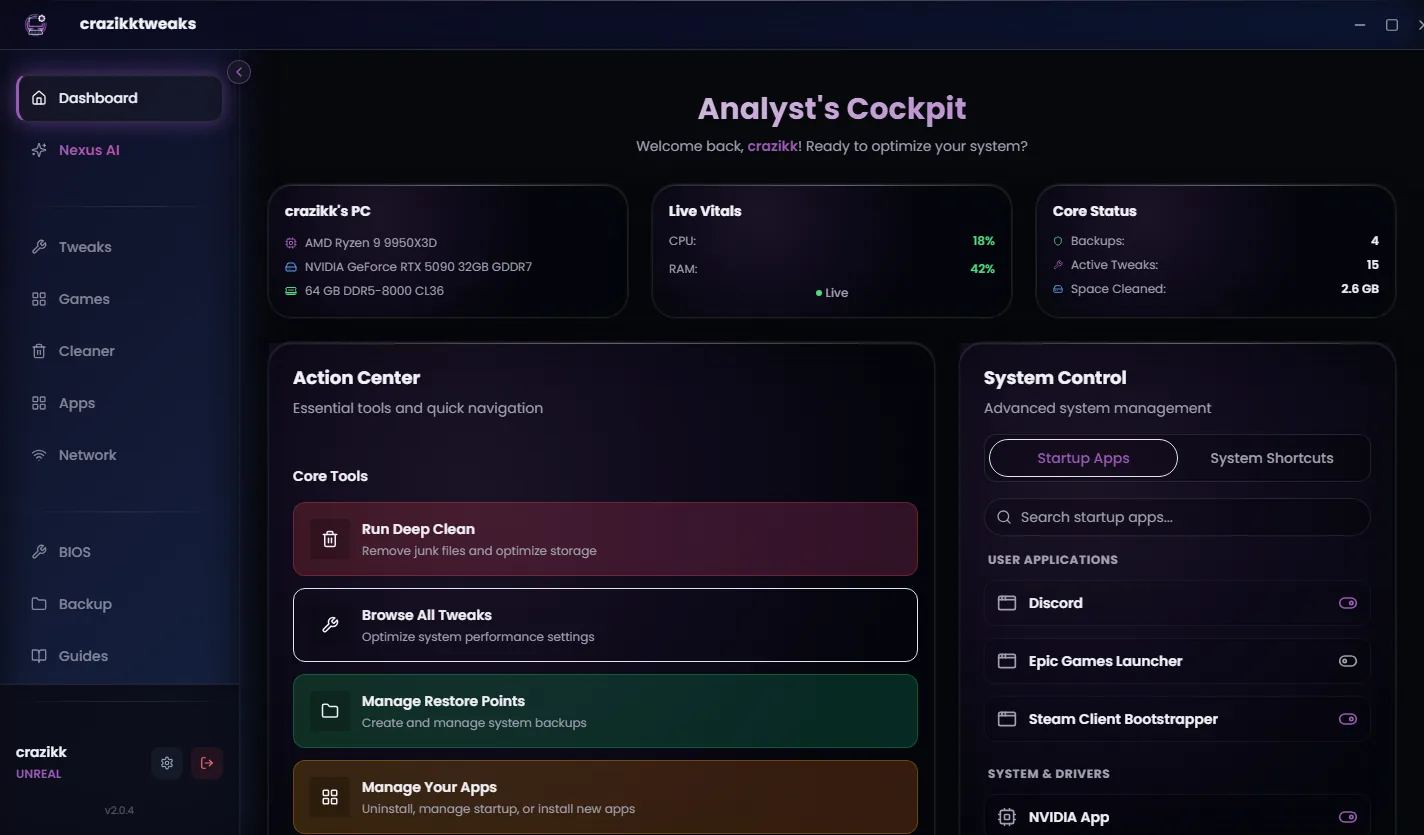
The crazikktweaks VALORANT profile is intended to organize supported system-side choices; it is not a cheat, does not need to modify game or Vanguard files, and cannot guarantee enforcement decisions. Review every action, keep required Windows security enabled, and compare a repeatable practice-range or match scenario.
If Riot reports a Vanguard requirement, game-client incident or low server FPS, follow Riot's current support path. An optimizer should not attempt to work around it.
Reviewed 24 August 2026
Sources and review notes
Primary sources were checked on 24 August 2026. Product interfaces and platform requirements can change; follow the linked owner documentation for the newest instructions.