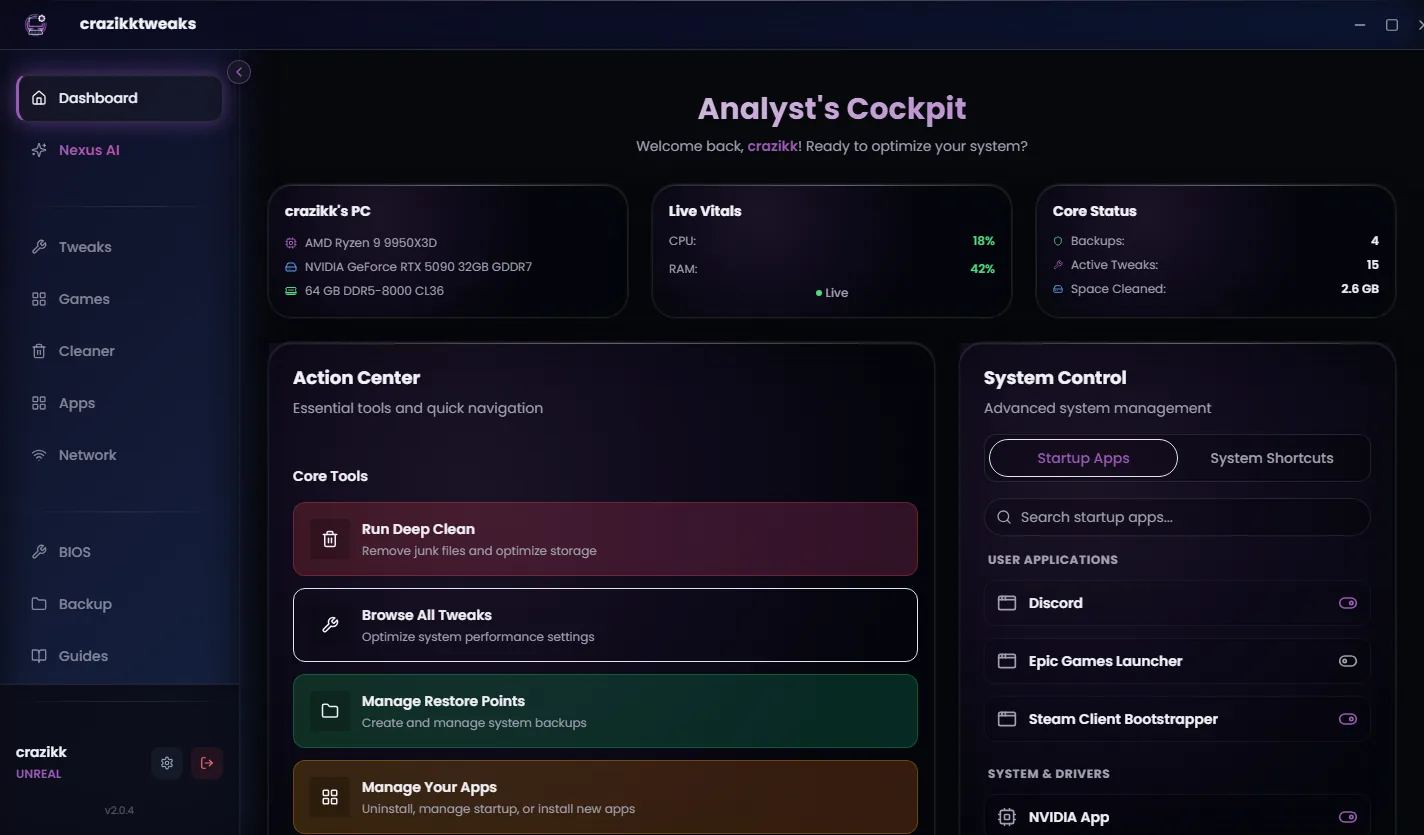
Disclosure: this page is published by crazikktweaks, so we have a commercial interest. Hone was not involved. We checked Hone's public website and support material on 10 August 2026, link the sources, and separate verified product facts from our interpretation.
01 · SNAPSHOT
The short answer: choose the workflow and payment model you prefer.
| Area | crazikktweaks | Hone |
|---|---|---|
| Paid model | One-time Premium, Ultimate and Unreal licenses; no monthly product fee | Free tier plus Premium subscription options; verify current monthly/yearly price on Hone |
| Free access | Free app experience and basic supported tools | 10 free optimization slots, plus referral slots up to the public limit |
| Workflow | Review available actions, apply selected changes, keep recovery context visible | One-click presets, Power Mode, automatic/game-specific optimizations |
| Game breadth | Focused profiles currently promoted for Fortnite, VALORANT and GTA V | Hone publicly says system-wide support across 100,000+ titles and lists many game configs |
| Positioning | Understand the plan, pay once, use supported actions | Broad automation, game coverage and a low recurring entry price |
We deliberately avoid calculating a permanent 'years to break even' number. Regional pricing, promotions and plan contents can change. Compare the checkout totals you see today.
02 · WHO SHOULD CHOOSE WHAT
Hone is the better fit for some players. That is fine.
HONE MAY FIT BETTER
You want very broad per-game coverage, one-click automation and presets, and you are comfortable with a subscription for unlimited/premium features.
CRAZIKKTWEAKS MAY FIT BETTER
You prefer one-time paid access, want to inspect supported actions before applying them, and mainly care about its current Windows workflow and focused profiles.
Hone has a much larger public footprint and game catalogue. crazikktweaks should not pretend otherwise. The differentiator is not 'we support more games'; it is the combination of review-first control, visible recovery context and one-time paid tiers.
03 · SAFETY AND REVERSAL
Both products tell users to keep a recovery path.
Hone's support material recommends creating a system restore point, says results vary, and tells users to revert if instability or regressions appear. crazikktweaks similarly keeps explanations and recovery context in its workflow and publishes compatibility and release information in its Trust Center.
| Question to ask either product | Why it matters |
|---|---|
| Can I see exactly what category changes? | A label like 'boost FPS' is not enough to judge compatibility |
| What is the original state and revert path? | A restore point alone does not explain every individual change |
| Does this touch game or anti-cheat files? | A Windows optimizer should keep that boundary explicit |
| Where is the benchmark method and raw data? | Percentage claims need reproducible evidence |
04 · PERFORMANCE CLAIMS
We cannot honestly name an FPS winner yet.
Hone publishes performance marketing and says its recommendations are based on internal benchmarks and feedback; its own support page also says it cannot guarantee a cumulative FPS gain. crazikktweaks does not yet have a controlled public head-to-head dataset against Hone.
Same clean Windows image, named hardware, game/build, repeatable scene, warm-up, three or more runs, raw per-frame capture, identical graphics and a complete list of applied actions for both tools.
Until that exists, the defensible comparison is features, workflow, payment model and public scope—not a made-up chart.
Reviewed 24 August 2026
Sources and review notes
Primary sources were checked on 24 August 2026. Product interfaces and platform requirements can change; follow the linked owner documentation for the newest instructions.